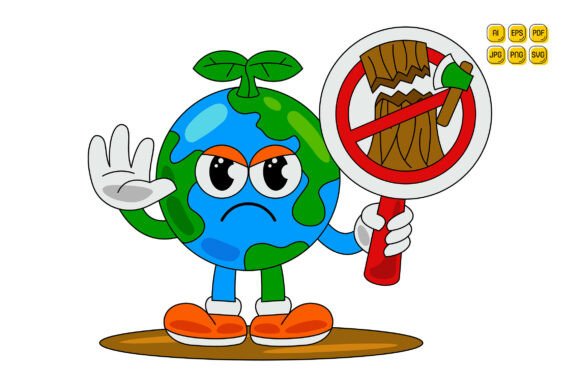
Cartoon Earth Character Vector Art 21: Smart, Scalable Assets for Real-World Design Needs
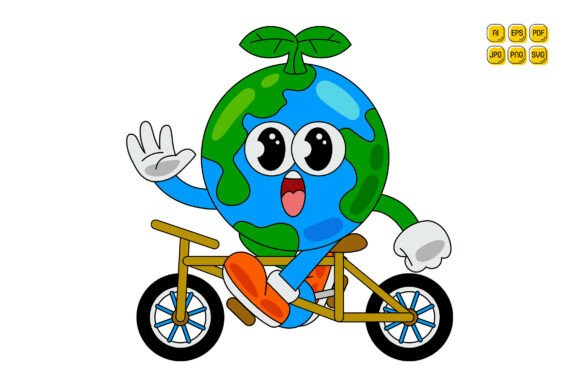
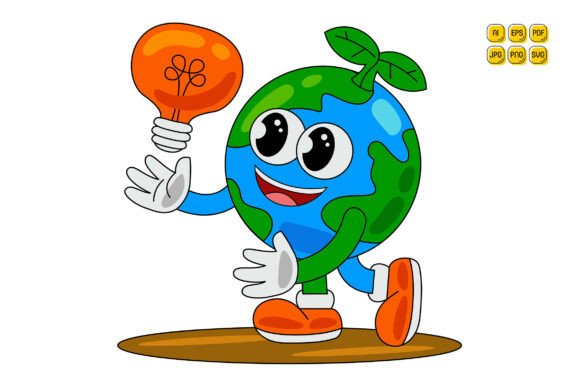
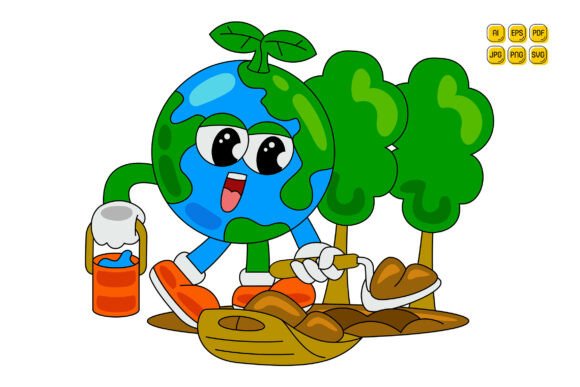
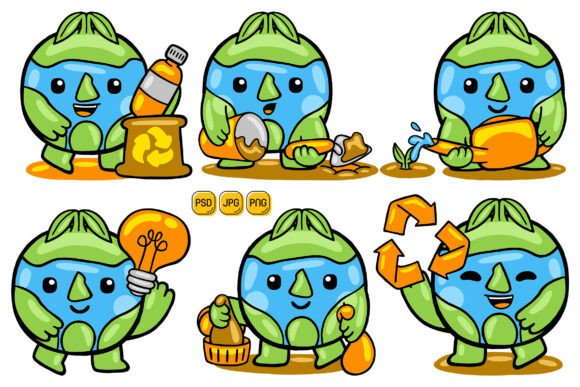
If you've ever spent hours tweaking a globe icon only to find it pixelates on a banner—or struggled to match brand colors across dozens of illustrations—you’ll appreciate what Cartoon Earth Character Vector Art 21 delivers: 100 thoughtfully crafted, fully editable vector illustrations built for flexibility, not frustration. These aren’t generic clipart blobs. Each piece is a clean, flat-design earth character—friendly, expressive, and intentionally designed with layered, grouped paths so you can recolor eyes, continents, speech bubbles, or accessories independently in Illustrator, Figma, or even modern SVG editors.
Why This Set Solves Real Problems (Not Just “Nice-to-Haves”)
Beginners often assume “vector” means “automatically editable”—but that’s only true if the file is well-structured. Many free or low-cost earth-themed vectors are flattened, ungrouped, or saved as embedded raster layers inside EPS files. That makes changing a single color impossible without manual tracing. Cartoon Earth Character Vector Art 21 avoids that trap: every shape is named, logically grouped, and separated by layer (e.g., “Landmass,” “Ocean,” “Character Hat,” “Speech Bubble Text”). You’re not just getting files—you’re getting design leverage.
Small business owners and marketers especially benefit. Imagine launching a sustainability campaign: instead of commissioning custom illustrations for each platform (Instagram post, email header, landing page hero), you adapt one base character—swap its backpack for a recycling bin, change skin tone to reflect your audience, adjust the globe’s tilt for visual interest—and export instantly in SVG for web or PNG with transparent background for social ads. No redraws. No licensing headaches. No waiting for a designer.
A Common Mistake: Assuming “High Resolution” Means “Ready for Everything”
Many buyers focus only on the 5000×5000 pixel JPG or PNG resolution—and stop there. But resolution alone doesn’t guarantee usability. A 5000×5000 JPG looks sharp on screen, but it’s useless if you need to animate the character’s arms or isolate the globe for an interactive map. That’s where the included AI, EPS, SVG, and PDF vector files matter. They preserve scalability and editability at any size—whether you’re printing a 6-foot trade show backdrop or embedding a 48px favicon.
Here’s what happens when you skip checking formats: a freelancer buys a “vector pack” advertised with “high-res files,” only to open the AI file and discover all strokes are outlined, text is converted to paths, and grouping is non-existent. Suddenly, changing the word “Eco” in a speech bubble means redrawing letters—not editing text. With Cartoon Earth Character Vector Art 21, text remains live (where applicable), strokes stay editable, and layers are preserved—so customization stays fast and intuitive.
Overlooked Detail: Compatibility Isn’t Just About Software—it’s About Workflow
You might use Adobe Illustrator—but your client’s agency runs Affinity Designer, or your developer prefers SVG for responsive sites. Assuming compatibility stops at “works in Illustrator” is risky. This set includes SVG files optimized for web use: minimal code, accessible aria-label ready (you can add them), and no hidden metadata bloat. The EPS version follows Adobe’s latest standards, ensuring smooth import into older CS6 workflows *and* newer cloud-based tools. Even the PDF is tagged and vector-based—not a rasterized snapshot.
Example: An educator creating climate lesson slides needs consistency across Google Slides (which imports SVG cleanly) and printed handouts (requiring crisp CMYK-ready PDF). With this set, they use the same source file—no re-exporting, no quality loss, no font substitution errors.
What to Check Before You Download or Buy
- Are paths truly editable? Open one AI file and try selecting and recoloring just the character’s glasses—not the whole head. If everything selects as one object, the structure isn’t optimized.
- Is transparency handled correctly? Preview the PNG file against both light and dark backgrounds. Some “transparent background” PNGs have faint white halos from poor anti-aliasing—this set uses precise alpha channels.
- Do file names match content? Confusingly labeled files (e.g., “earth_07_v2_FINAL_revised.ai”) waste time. These 100 illustrations follow clear naming: “Earth_Character_Scientist_Glasses_Blue.ai”, “Earth_Character_Kid_Balloon_Green.ai”.
- Is there documentation? Not a 20-page manual—but a concise README.txt explaining layer logic, color swatch usage, and SVG optimization notes. It’s included.
Better Than “Just Enough”: How to Use These Files Without Wasting Time
Don’t treat these as static assets—treat them as modular components. For instance, combine the “Earth_Character_Teacher” with the “Chart_Icon” from the same set to build an education analytics infographic. Or extract the stylized continent outlines and pair them with your brand’s data visualization library. Because every element is built with consistent stroke weights, corner radii, and spacing logic, mixing pieces feels intentional—not patchwork.
Freelancers: Bundle three customized variations (e.g., “Earth_Character_CEO_Presentation,” “Earth_Character_CEO_Social,” “Earth_Character_CEO_Print”) as part of your branding package. Clients see immediate value—and you deliver faster because the foundation is already production-ready.
Final Thought: Editability Is Only as Good as Your Starting Point
“Easy to edit” sounds simple—until you open a file and face nested clipping masks, locked layers, or RGB/CMYK mismatches that throw off print colors. Cartoon Earth Character Vector Art 21 was built with real-world constraints in mind: no hidden fonts, no embedded stock photos, no reliance on third-party plugins. What you see in the preview is what you get—organized, predictable, and consistently built.
Whether you're designing a nonprofit’s annual report, building a SaaS onboarding flow, or illustrating a children’s ebook about global citizenship, these characters do more than decorate. They accelerate decisions, reduce revision cycles, and keep your visual language cohesive—without demanding advanced technical skill. Happy designing. Happy purchasing.